

Working with cmr
Your placement guide
Whether you’re just starting out with cmr or have been working with us for a while, this page contains essential information to ensure your placement is a success.
If you are being paid by cmr, on your first placement you will receive a welcome email to begin the onboarding process in the mycmr portal. If you haven’t received this within your first 3 days of starting your placement, please let us know.

Getting Started
Navigating the mycmr portal is easy, visit the Mycmr Help Guide if you need support.
- Mycmr user profile – Once you have accepted your first placement you will be sent information to access your User Profile in Mycmr Portal which must be completed before your first pay.
- Submitting timesheets – Your timesheet needs to be submitted for approval by 1pm Monday and approved by 1pm Tuesday to be included in the next pay cycle.
- Pay cycles – Are paid weekly on Thursdays, provided timesheets are submitted and approved within the agreed timeframes. Your first payment will be made the week after your placement begins.
WHS Orientation
It is important that you receive a site induction and WHS orientation when you commence your placement.
- Mycmr induction – You will be prompted to complete the WHS induction confirmation within mycmr Portal prior to filling out your first timesheet.
- Site inductions – Let us know immediately if you do not receive your induction, have concerns or sustain an injury while on your placement.
- Reporting incidents – If you are involved in an incident while working with cmr, please complete an WHS Incident Report in Mycmr Portal.
On Placement
You can access the Locum Resources Guide for all the latest news and tools to help you throughout your placement.
- Uniforms – If this is your first placement you will be provided with a uniform top and ID Badge. Get in touch with our team or top up at the Mycmr Shop.
- Travel concerns – All correspondence must be with your consultant, please contact us if you have travel change requests or issues. If after hours call (07) 3171 2929.
- Lunch breaks – Ask the facility at your orientation what their protocol is around lunch breaks. Some facilities may not approve timesheets when breaks are not recorded, or you have worked through.
- Reimbursement claims – All expense reimbursements must be agreed upon and approved by your consultant prior to making a reimbursement claim. A valid tax invoice can be uploaded through our mycmr Portal. Please note EFTPOS receipts are not acceptable.
- Sick days – Call the facility directly if you need to call in sick, making note of the full name of whom you spoke with. Email your consultant afterwards so that they are made aware you are off sick, for how long, and who you spoke to.
- Placement Cancellation – If you or the client decide at any time or after hours to cancel this contract, please call and inform your recruitment consultant immediately before vacating. Emails can get missed.

Work Perks
Our valued cmr Locum Community are eligible to receive work perks to make your placement even more enjoyable!
Work Perks
Orientation Checklist
Designed to help you onboard at your new placement and access essential information for your role.
Checklist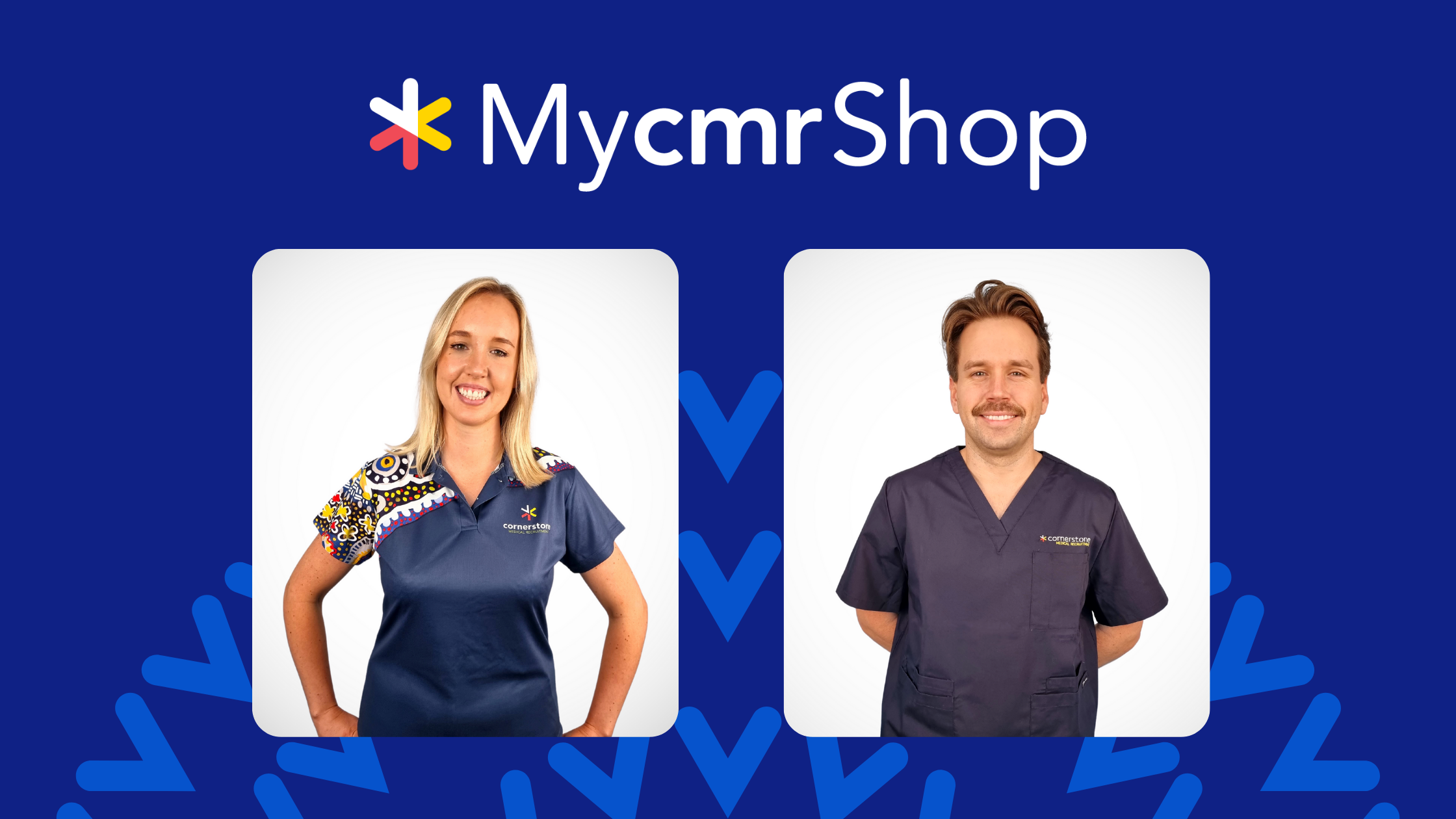
MycmrShop
Quality garments to suit your busy work schedule. Easy to move in, giving you comfort all day long.
Go to shopFrequently asked questions
How do I complete my WHS Induction?
- You will be prompted to complete the WHS induction confirmation within the mycmr payroll portal prior to filling out your first timesheet.
- Ensuring your safety is a shared responsibility and therefore it is important that you let us know immediately if you do not receive your induction, have concerns or sustain an injury while on your placement.
- If you are involved in an incident while working with cmr, please complete an WHS Incident Report via the mycmr Portal.
How do I gain access to mycmr portal?
- You will receive an email from cmr Payroll (mycmr) (if you haven’t received this within your first 3 days of starting your placement, please let us know).
- Please log on and complete your mycmr user profile with your personal details, bank account, superannuation & tax declaration. This must be completed before your first payroll.
- You will be paid weekly on a Thursday, providing your timesheet is submitted & approved within the agreed timeframes. Your first payment will be made the week after your placement has begun.
- A link to the online Payroll User Guide can help you navigate the mycmr portal.
Where do I submit my timesheets?
- Your timesheet must be submitted for approval by 1pm Monday.
- Timesheets submitted after 1pm may result in you missing payroll for that week.
- Our guide on how to complete your timesheet can be found in our Candidate mycmr guide.
- Your timesheet must be approved by 1pm Tuesday.
Can my expenses be reimbursed?
- All expense reimbursements must be agreed upon and approved by your consultant prior to making a reimbursement claim.
- A valid tax invoice for agreed expenses can be uploaded through your portal on mycmr for reimbursement with your weekly pay.
- Please note EFTPOS receipts are not acceptable.
When will I receive a uniform?
- If this is your first placement you will be provided with a uniform top and ID Badge if requested.
- Please get in touch with our team to discuss these arrangements.
Can I work through my lunch breaks?
- Please ask the facility at your orientation what their protocol is around lunch breaks. Some facilities may not approve timesheets when breaks are not recorded, or you have worked through.
- Please ensure you are taking your breaks, and if not, please ensure you have recorded permission by the facility to work through them.
How do I change my travel arrangements?
- If there are travel arrangement issues/cancellations: call cmr After Hours Number hotline: (07) 3171 2929
- Do Not contact Corporate Traveller directly, all correspondence must be with your consultant.
What happens if I am sick?
- If you need to call in sick please call the facility directly and make sure you speak to someone and make note of their name.
- Email your consultant afterwards so that they are made aware you are off sick, for how long, and who you spoke to.

Memberships:



Cornerstone Medical Recruitment acknowledges the Traditional Custodians of country throughout Australia and their connections to land, sea and community. We pay our respects to Elders past and present.